
Latest closed trade
MT5 FEED
—
Loading
—RESULT
—per $1,000 · gross before fees
Loading latest trade…
Independent copy-trading guide
Connect Sonic through CopyX to your own TAG Markets account. Follow the free, screen-by-screen setup guide.
Independent guide · Affiliate links · Trading can lose money
Latest closed trade
MT5 FEEDHow it works
Sonic makes the trading decisions. You connect through CopyX, rather than placing each trade yourself.
Makes the trading decision.
Mirrors the trade into your account.
Take the gain or loss.
TAG Markets provides the account. UpShiftX explains the setup. We do not hold your money or run the strategy.
Check the record
The strategy’s public record and our follower sample are different accounts. Here is what each one shows.
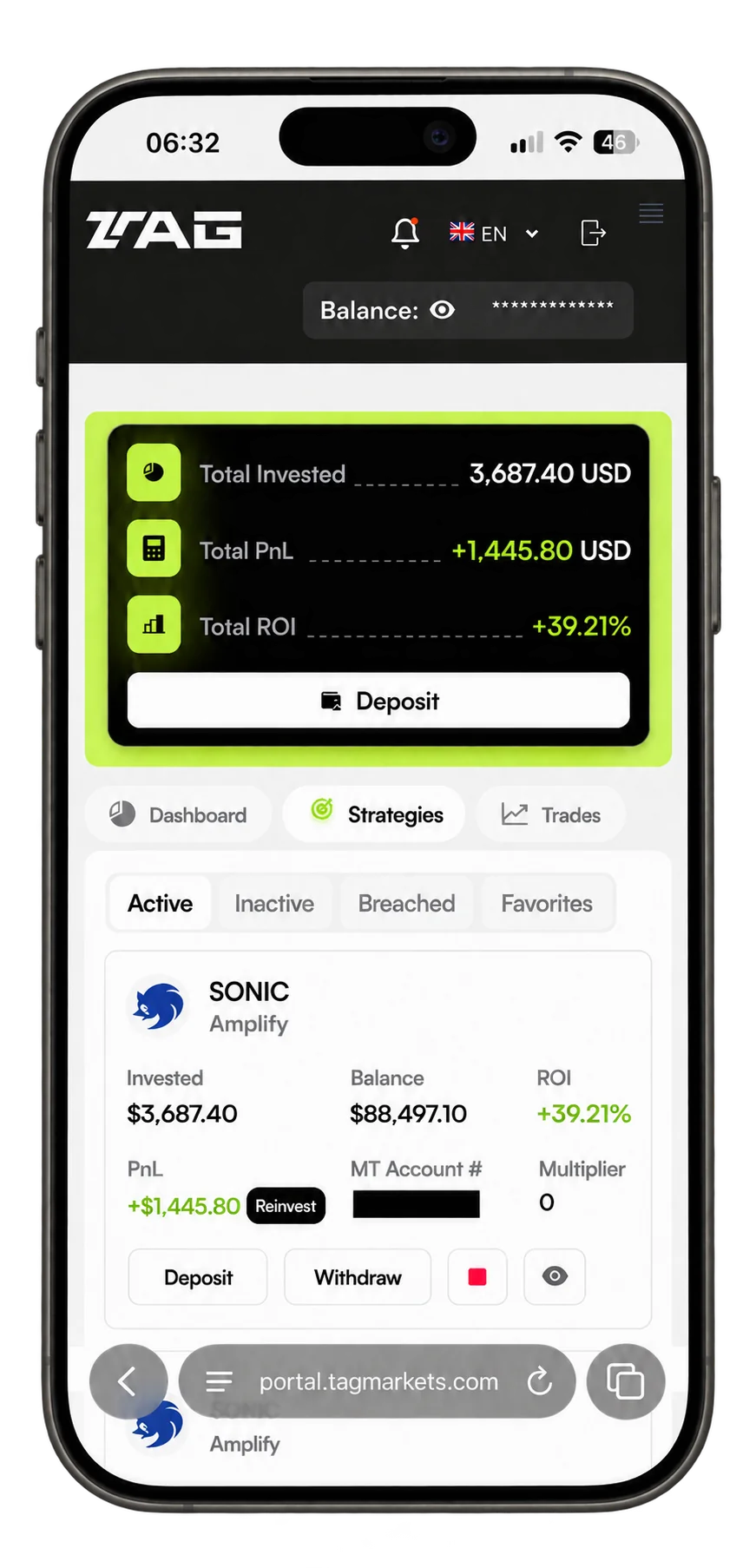
October 2026 · Our 24× follower account
Without reinvestment · Before performance feesOctober trades in our follower account
Our MT5 account · 24× setupPositive / negative trades in October
Historical observations, not future oddsMaster-account returns are not your account returns. The sample is not a typical-result claim. Losses can exceed those previously observed.
Review the evidenceSetup guide
Six screen-by-screen steps for setting up CopyX and TAG, connecting Sonic, and checking your account afterwards.
Have readyYour email, photo ID and a payment method.
Read the setup guide Open it beside CopyX and follow at your own pace.Calculator
See what repeating the sample’s average would calculate. This is a mathematical illustration, not actual trading history or a prediction.
Once connected, CopyX copies Sonic’s strategy trades to your account. Sonic makes the trading decisions. Your account takes the gains and losses.
We explain the setup using recorded CopyX and TAG Markets screens. We do not run Sonic, place trades for you or hold your deposit.
Your trading account is with TAG Markets, not UpShiftX. Review the account agreement before adding funds. An account in your name does not remove trading or provider risk.
Our recorded account showed trading commission and weekly performance-fee deductions consistent with 30%. The captured Sonic screen listed a $10 allocation minimum. Check the current fees and minimums in your own account; payment minimums and strategy minimums are different.
One recorded card payment was $50 plus a $3 fee. That is an example, not a universal payment fee.
Yes, including the money you deposit. Seven of the 55 trades in our documented account were negative. That sample does not establish a limit on future losses. Account-loss conditions are part of the connection settings.
Available profits and your original deposit have different rules. Profit requests return to your TAG wallet and can require review. A wallet transfer is separate from a bank or crypto withdrawal.
The Amplify rules state a 30-day principal period from the first trade. Upgrades restart that period, and withdrawing principal closes the amplified account. Check your account’s available amount and eligibility timer.
Open Sonic’s public Myfxbook record and look at drawdown as well as gain. Our dated follower sample is a separate account, not the same result.
Registration is followed by profile information, identity checks, funding and strategy connection. Timing depends on the provider and payment method. Follow the guide at your own pace.
This guide is about copying Sonic. Partner information is an optional, separate route.
Ready when you are
Open CopyX to register. Keep our guide beside you for the account checks, funding and Sonic connection.
Create my CopyX accountOpens CopyX in a new tab. Trading can lose money.
Need account help? Visit TAG’s help centre